Shopify theme · Street preset
A Shopify theme for product drops. Everything release day needs, built in.
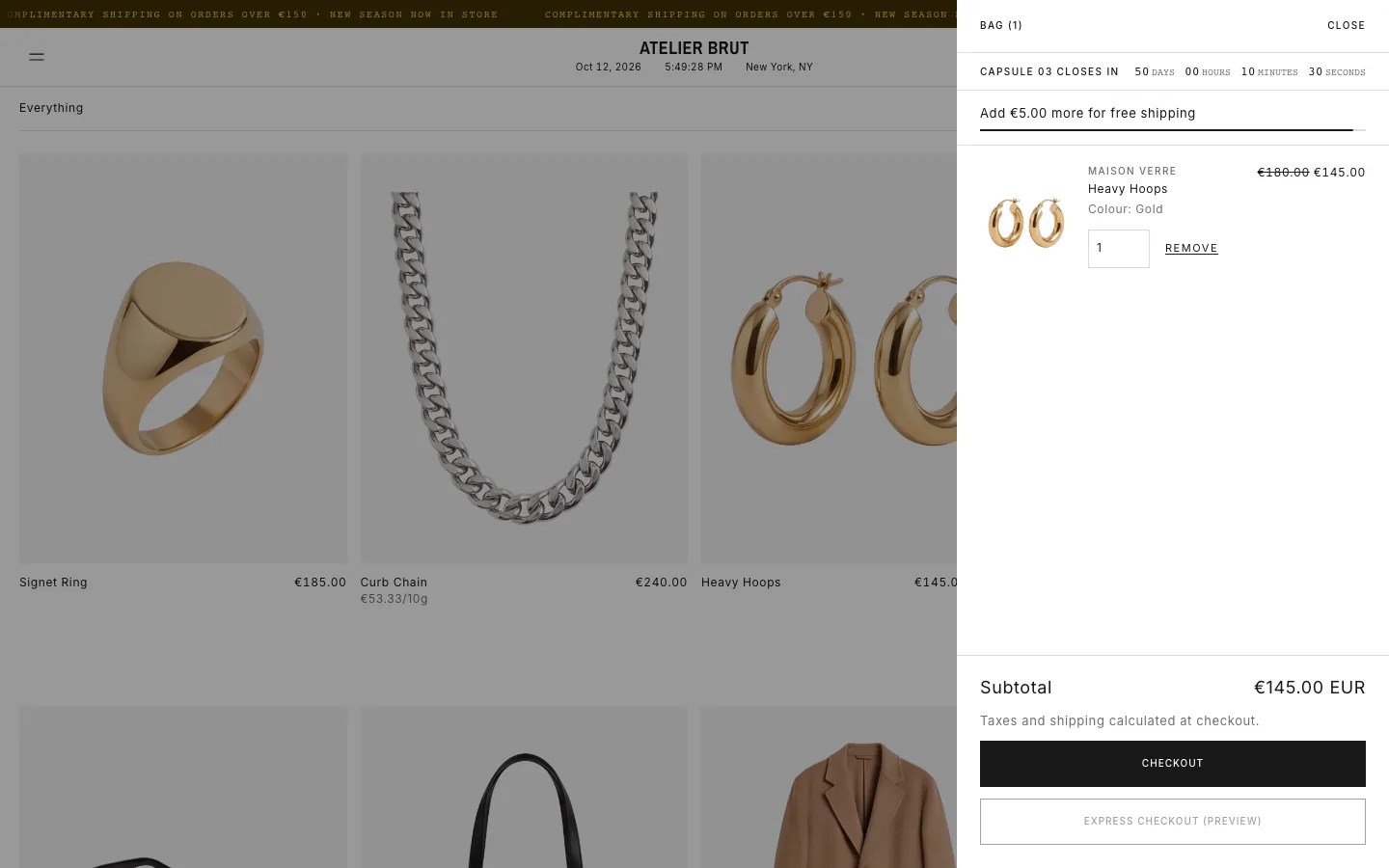
FRONTROW treats a drop as an event: a password page that builds a list, a countdown that switches over on time, and a bag timer that only ever counts to the real close time you set.
How do you run a product drop on Shopify?
To run a product drop on Shopify, you need four things: a way to build a list before launch, a clear release time, a way to handle demand at launch, and an honest end. Start by putting the store behind a password page that collects email sign-ups with a tag, so you can message exactly the people who asked. Show a countdown in your store's time zone on the password page and homepage. At launch, set inventory carefully: decide whether sizes show as sold out at zero or keep selling as pre-orders. If the drop closes at a set time, say so in the bag, and say clearly when it has closed. FRONTROW does each step in the Shopify theme editor without a separate app: a tagged password-page list, countdowns, pre-orders, sold-out states and a bag timer that only counts to the close time you set. It costs $39 once.

At a glance
- Price
- $39, paid once (FRONTROW)
- Licence
- Lifetime, for one live Shopify store
- Updates
- Free whenever we release them
- Demo
- Atelier Brut, Street preset
- Setup
- Upload the ZIP in Shopify, pick a preset, no code
What your store gets
Password page with a drop list
Collects emails tagged for the drop, with a countdown and room for SMS sign-up apps.
Countdown in store time
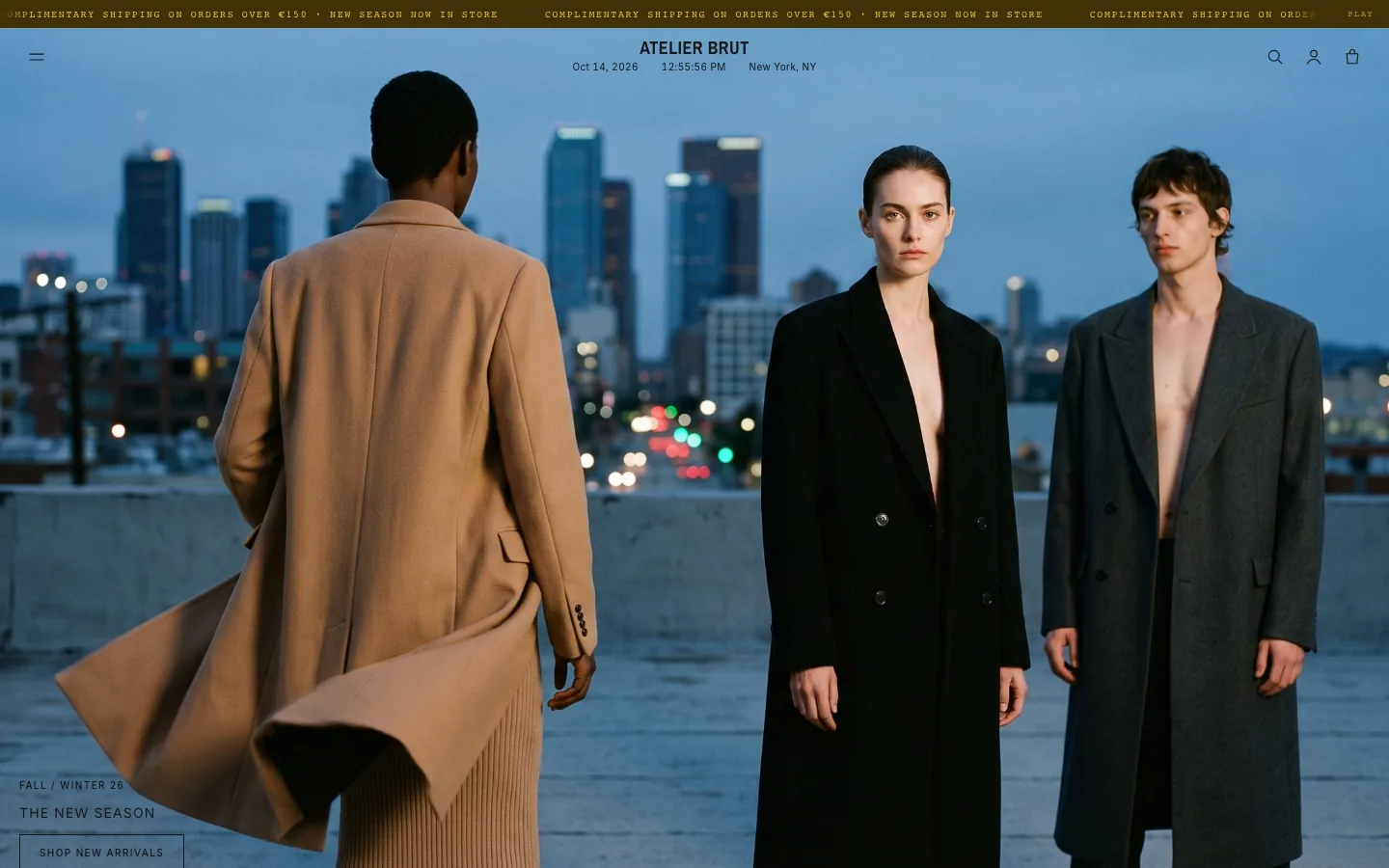
Uses your store’s time zone and swaps to your message when it reaches zero.
Honest bag timer
Counts down in the bag to the close time you enter, and says when the drop has closed. No per-visitor fake timers.
Pre-orders and sold-out states
Keep selling past zero stock with a Pre-order button, or show sizes as sold out.
An entry page
An optional splash homepage with an enter button for launch day.
Questions
Is the bag countdown a fake urgency timer?
No. It only appears when you set a real drop close time, counts to that exact moment for everyone, and shows "This drop has closed" afterwards.
Can I collect a list before the drop?
Yes. The password page signs people up as Shopify customers with a tag you choose, for example drop-list.
Do I need a separate countdown app?
No. The countdown section, the password page countdown and the bag timer are part of the theme.
Also built for
One payment. Yours for good.
By buying you agree to the terms and licence.