Shopify theme
 Shopify theme
Five store styles. Paid once.
Pick one of five store styles, then add drops, lookbooks and quick add from the theme editor.
$39, paid once. Lifetime licence for one store · 14-day refund
Buy

store styles, each with a live demo store
paid once. No subscription, no renewal
days to ask for a refund if it doesn’t work
Highlights
Get the highlights.
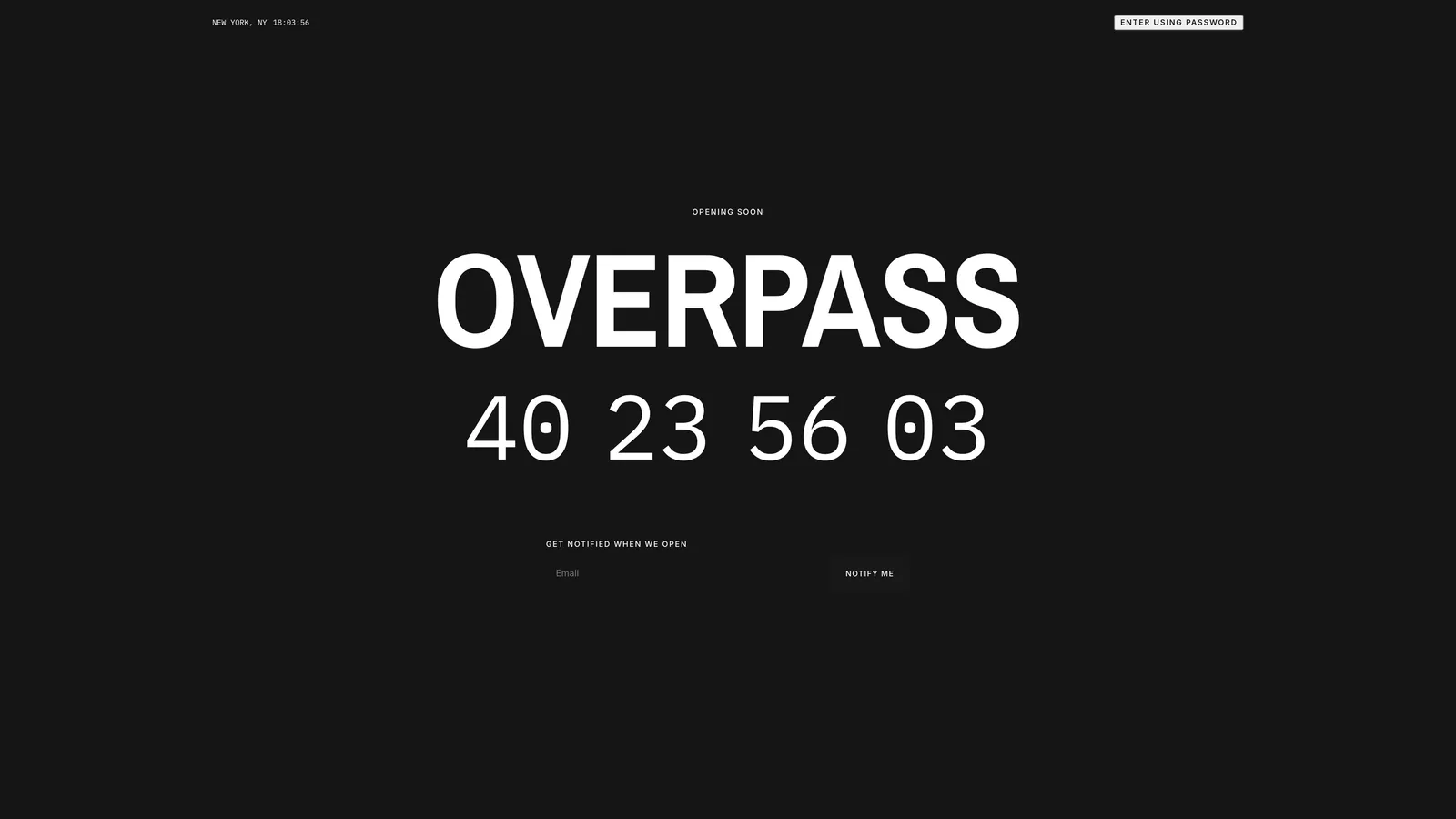
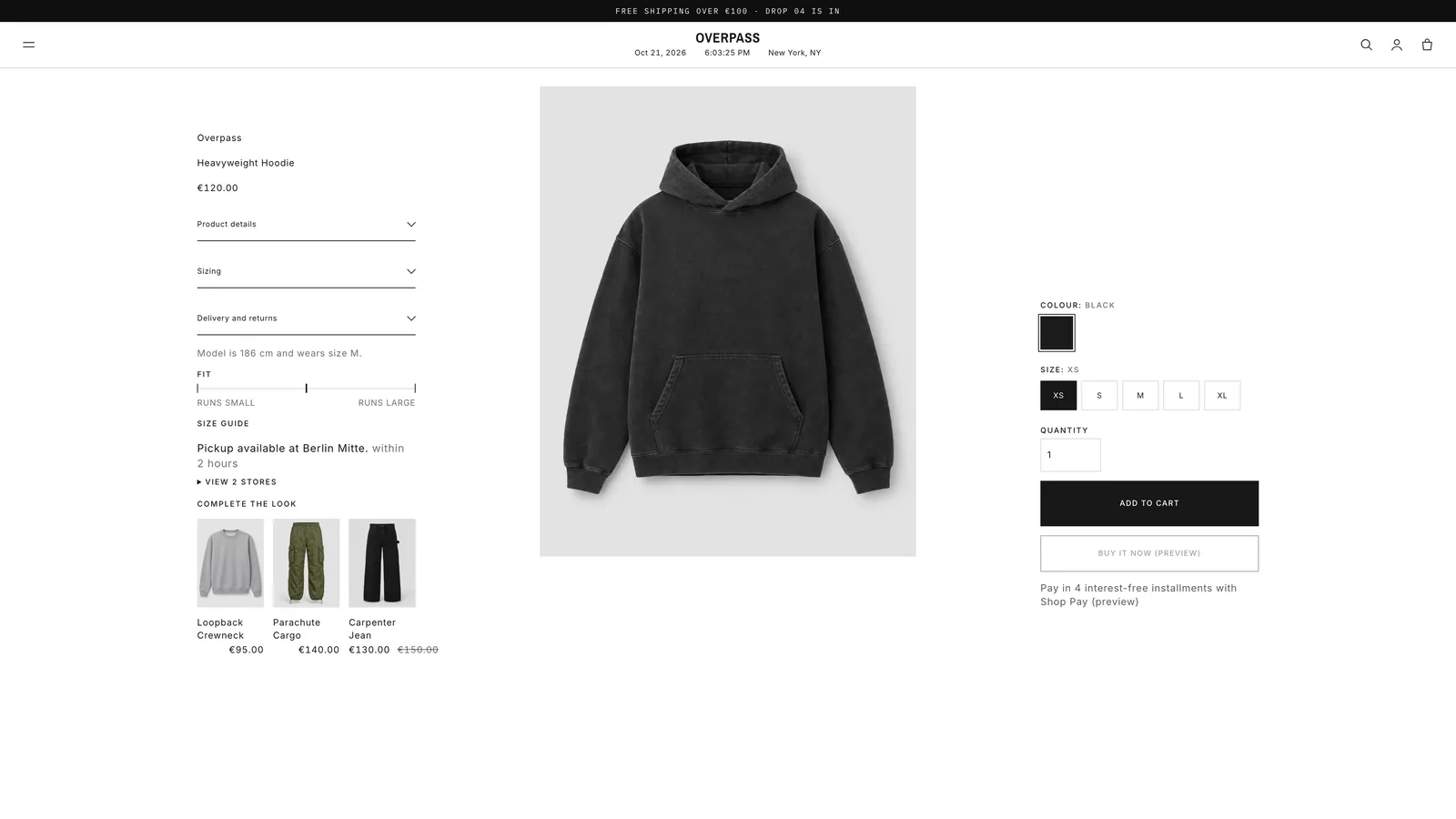
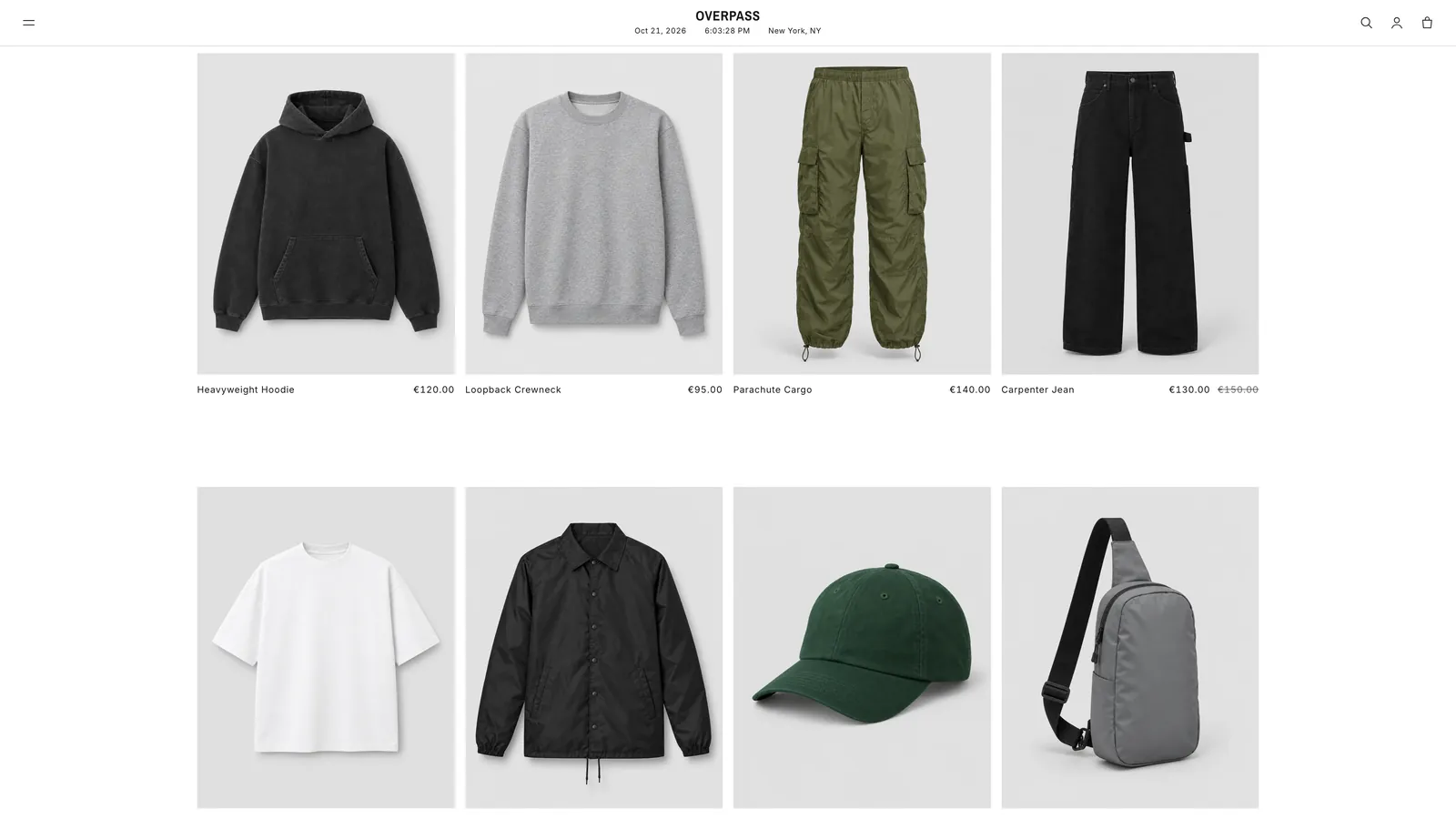
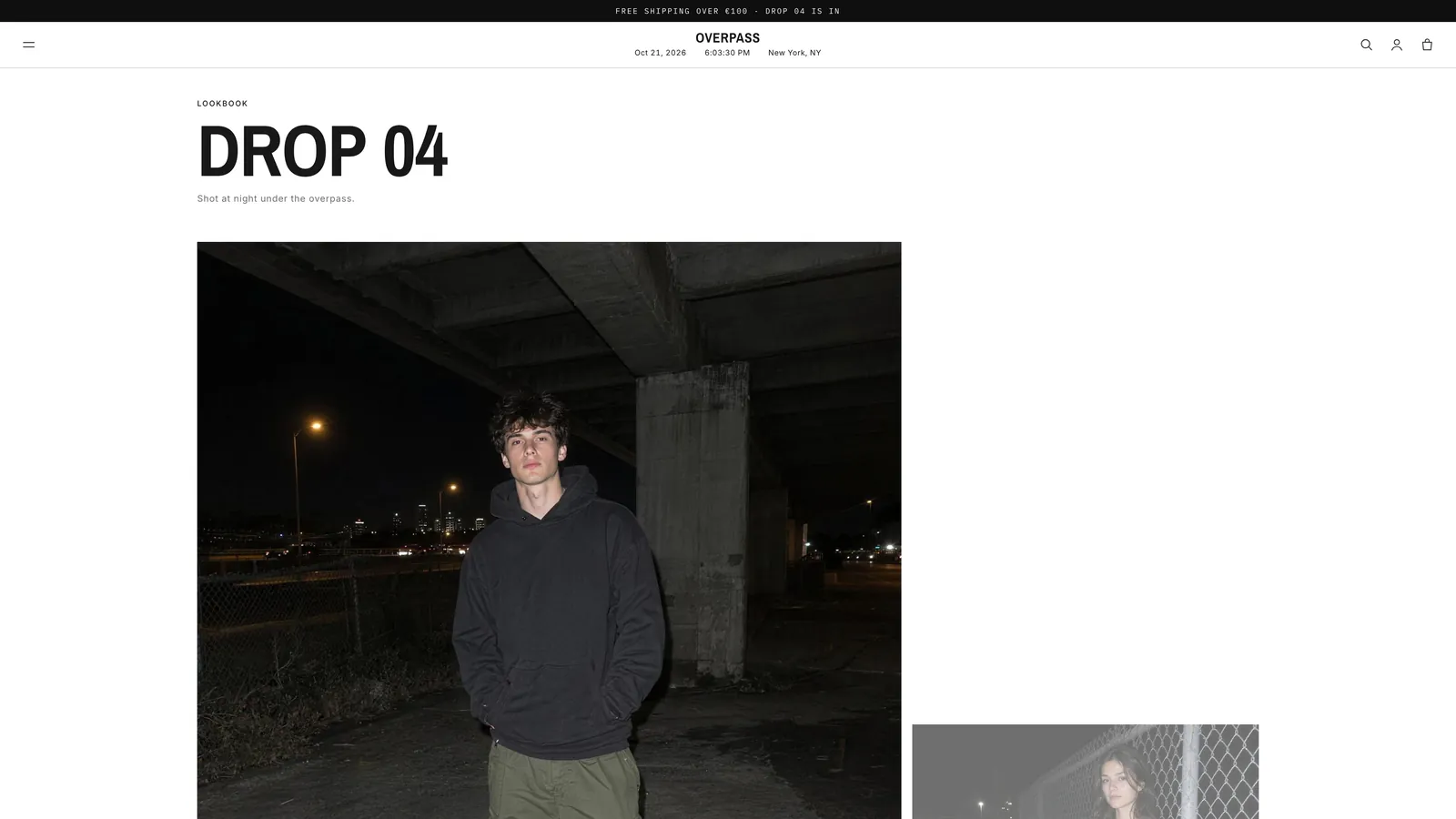
Explore the styles
One theme. A store for every kind of brand.
Pick the style closest to your brand, then change fonts, colours and sections in Shopify’s theme editor. Every style has a live demo store.

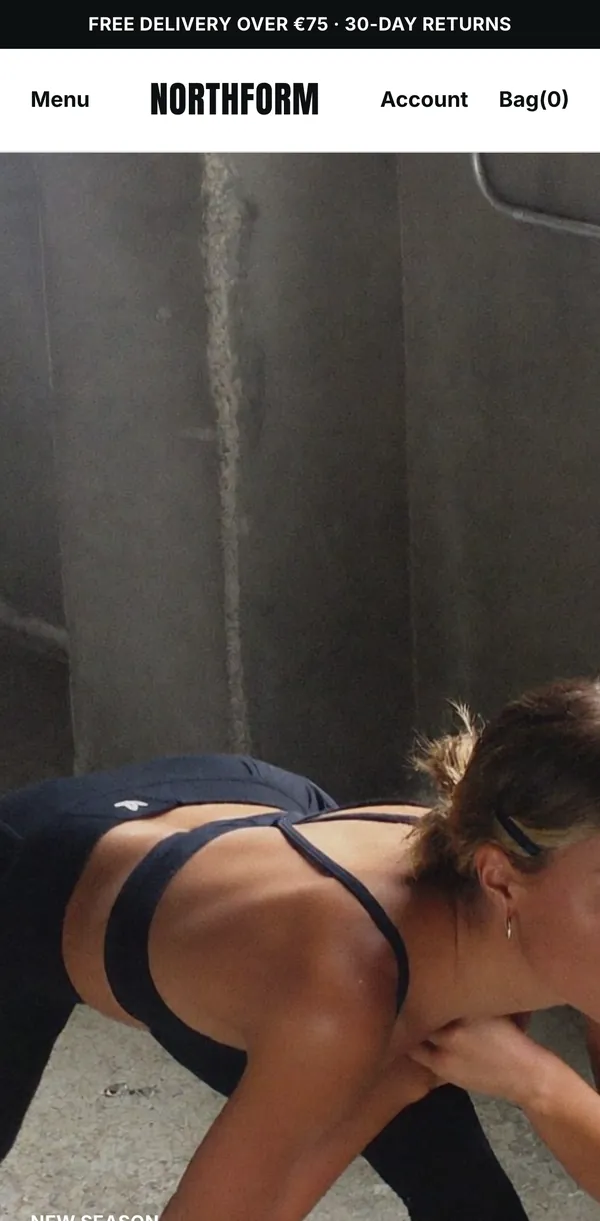
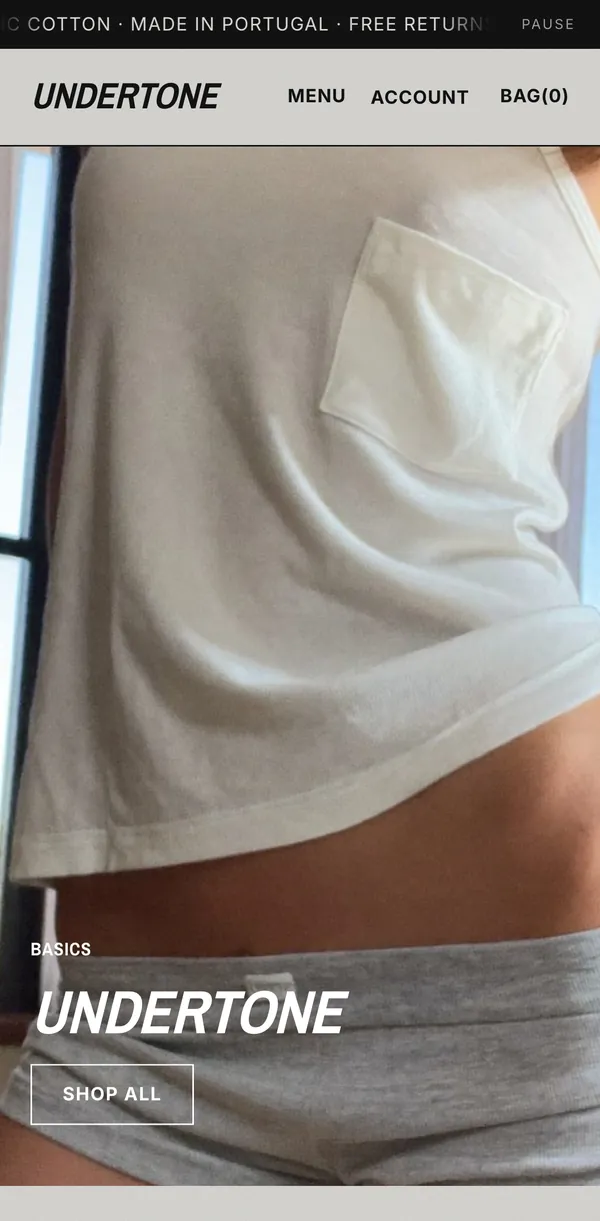

Demo store password: neverskipbreakfast
Compare
Which edition is right for you?
| Feature | frontrow | frontrow Galerie |
|---|---|---|
| Five store styles, each with a live demo | ✓ | ✓ |
| Drop countdown, drop list and pre-orders | ✓ | ✓ |
| Shoppable lookbooks | ✓ | ✓ |
| Quick add with sizes on every card | ✓ | ✓ |
| Size and fit on product pages | ✓ | ✓ |
| Your own fonts and colours | ✓ | ✓ |
| Shoppable rooms with numbered labels | — | ✓ |
| Doorways that lead from room to room | — | ✓ |
| A runway of looks you scroll through sideways | — | ✓ |
| A gallery wall of freely hung pieces | — | ✓ |
After you buy
Live in an afternoon.
Pick your edition
frontrow or frontrow Galerie, paid once. The theme file and the install guide arrive by email.
Upload it
In Shopify, open Online Store → Themes and upload the ZIP. It takes about a minute.
Choose a store style
Street, Gallery, Train, Layer or Club. Then add your logo, fonts and colours in the theme editor.
Publish
Add your photos and products, check the store on your phone, then publish it.
With every licence
What comes with it.
Paid once
No subscription and no renewal. A lifetime licence for one live store.
Free updates
When we release an update, it’s free for you.
Works with your apps
Shopify app blocks and app embeds, without code.
14-day refund
If it doesn’t work as described and we can’t fix it, you get your money back.
FAQ
Questions.
Can I install it myself?
Yes. Upload the ZIP in Online Store → Themes, pick a store style and change the rest in Shopify’s theme editor. No code, and the install guide walks you through it.
Do I need a developer?
No. Everything is set up in Shopify’s theme editor: sections, blocks, store styles, fonts and colours.
Will my apps still work?
Yes. It’s built on Shopify’s current theme system, so apps add their blocks to product pages and their embeds anywhere, without code.
Do I get updates?
Your licence never expires, and when we release an update it’s free for you. We decide what goes into updates and when, so we can’t promise particular features or dates.
Can I upgrade to Galerie later?
Yes. Galerie is the same theme with the immersive sections added, so your settings and content carry over.
Is the countdown in the bag real?
Yes. It only appears when you set a real drop close time, and it shows "This drop has closed" after that. There are no fake per-visitor timers.
Your clothes are ready.
Now the store.
Pick a store style, upload it to Shopify and change the rest in the theme editor. Paid once.